Cart

No products in cart

The Ultimate Guide to Cleaning and Removing Car Battery Corrosion

04 July 2025
The Ultimate Guide to Cleaning and Removing Car Battery Corrosion

Step-by-step guide to cleaning battery corrosion

Author: Maddy Phillips NOCO Team Lead

Battery corrosion?

Corroded battery terminals can prevent your car or vehicle from starting. Battery corrosion can also lead to a variety of other car battery problems, such as damage to the vehicle's frame, electrical wiring, air conditioning ducts, and more. Proper battery corrosion prevention is critical to the health of your car and vehicle battery.

What is car battery corrosion?
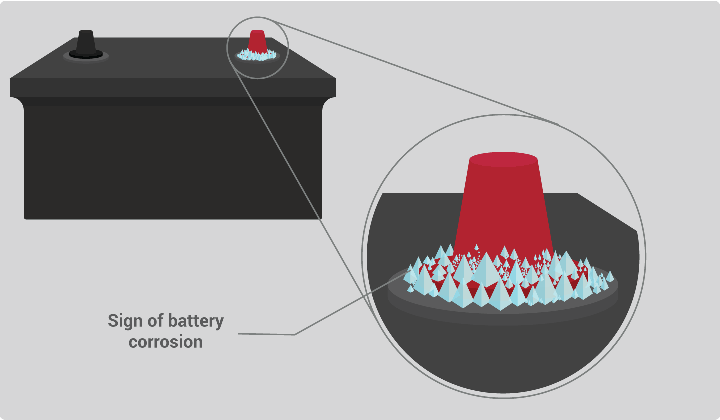
Battery terminal corrosion is easy to identify. It’s the white, green, or blue spots on your vehicle’s battery terminals, battery terminals, or battery cables. The white substance you see on your battery terminals is either lead sulfate or anhydrous copper sulfate. Anhydrous copper sulfate turns blue when exposed to moisture. The blue material you see around corroded battery terminals is hydrated copper sulfate and usually occurs on copper connectors. Battery corrosion is a poor conductor of electricity, as it increases the resistance in the circuit. As a result, the increased resistance can lead to transient currents flowing, which usually results in a car failing to start.

What causes car battery corrosion?
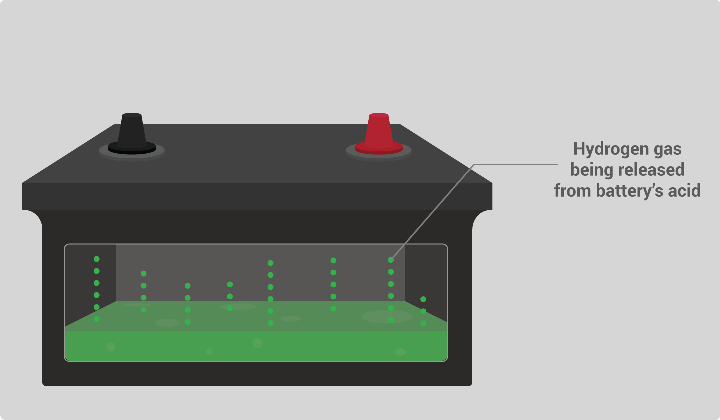
Battery corrosion is caused by the release of hydrogen gas from the sulfuric acid inside the battery. As the gases react with the atmosphere, a corrosive environment is created. Other elements such as moisture and salts accelerate this process. Typically, battery terminal corrosion occurs on the negative terminal of the battery, which is a symptom of the vehicle battery being undercharged. The main cause of undercharged batteries is that the alternator does not provide enough time to replenish the lost battery capacity due to the vehicle’s electrical load demand and the relatively short vehicle usage. If there is battery corrosion on the positive terminal of the battery, this is a symptom of overcharging.

How to clean battery corrosion.

Preventing, not cleaning, battery corrosion should be the goal for proper battery maintenance. However, below is a simple seven-step process in case you encounter a battery with corroded terminals. It is recommended to wear eye protection and mechanic's gloves when working with lead-acid batteries.
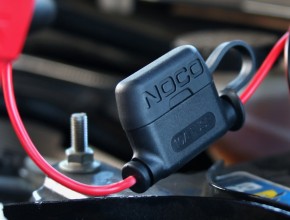
  • Step 1: Remove the battery cables. Start by removing the battery cables from the battery. Always start with the negative battery cable first. This is usually marked with the negative symbol (-), the abbreviation (NEG), and/or the color black. Then remove the positive battery cable, which is usually marked with the positive symbol (+), the abbreviation (POS), and/or the color red.
    Step 2: Inspect the battery cables. Inspect the battery cables for excessive wear or corrosion on the battery. Look for dry, cracked, and peeling insulation. Insulation is the plastic or rubber covering of the cable. Copper wiring restricts current flow and becomes brittle when exposed to the environment. Frayed battery cables are a common reason for a vehicle to fail to start. Replace the battery cable(s) if damaged.
    Step 3: Remove and neutralize battery corrosion. Spray a battery cleaner where there is battery corrosion on the battery or battery cables. Using a commercial battery cleaner is important because it not only removes battery corrosion but also neutralizes battery acid. There are many home remedies, but most do not clean, remove, and neutralize toxic battery acid, and they also cause further damage to the engine. In particular, never use Coca-Cola to remove battery corrosion. The synthetic sugars and phosphoric acid in Coca-Cola can cause further damage to the engine and surrounding components. Reapply if necessary. If you are unsure whether the battery and its connections are free of battery corrosion, you can use a battery cleaner with an acid indicator.
    Step 4: Dry and polish the battery terminals and terminals. Dry the battery, battery terminals, and battery cable terminals once the battery corrosion is removed. A microfiber cleaning cloth is a great choice. Remove any excess residue with a battery terminal brush.
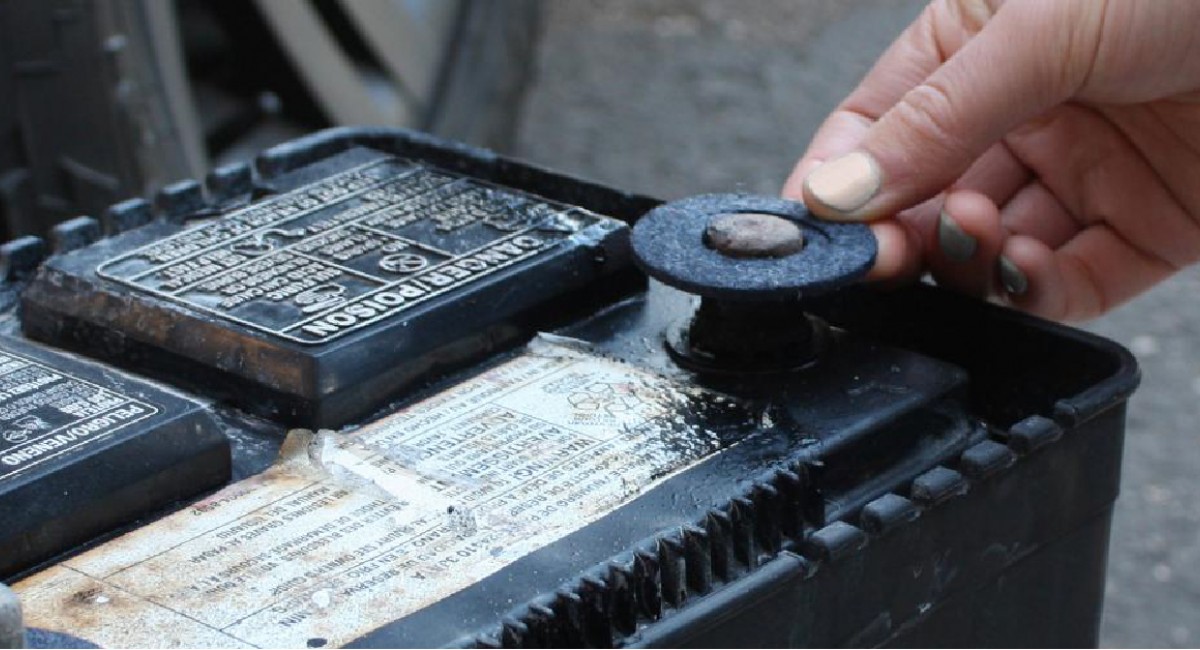
    Step 5: Install battery terminal protectors. Use battery terminal protectors (also known as anti-corrosion pads) on each battery terminal. Protectors saturated with battery corrosion inhibitor are preferred.
    Step 6: Reconnect the battery cables. Reconnect the battery cables in the reverse order of Step 1. That is, reconnect the positive battery cable first and the negative battery cable last.
    Step 7: Apply battery corrosion inhibitor. Use a spray or brush-on battery corrosion inhibitor to generously coat the battery terminals on the battery and the battery terminals.